
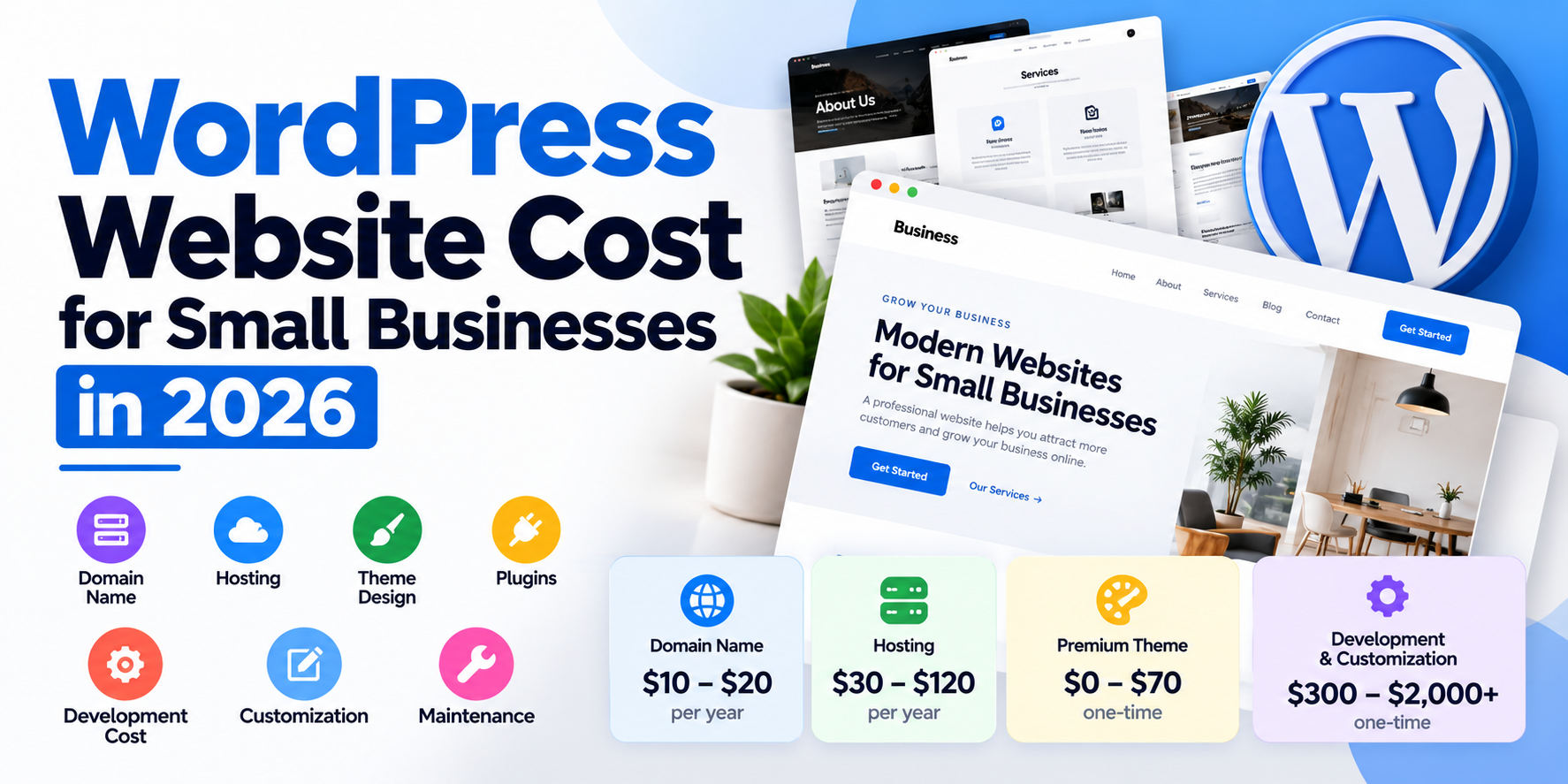
WordPress is still one of the most popular choices for small business websites. It's flexible, SEO-friendly and you own everything. But "WordPress is free" can be misleading. The software is free; a professional website isn't. Here's what it really costs.
The Building Blocks
Domain name
Usually around $10 to $20 a year for a .com, more for some country domains.
Hosting
- Shared hosting: cheapest, but often slow and limited.
- Managed WordPress hosting: faster, with backups, security and support included. Usually the best value for businesses.
- VPS or cloud: for higher traffic or custom needs.
Theme
Free themes, premium themes (often $50 to $100) or a custom-designed theme.
Plugins
Many essential plugins are free. Premium plugins for forms, SEO, backups, caching or bookings often cost $50 to $300 a year each.
Design and Build
This is the biggest variable. Common project types:
- Template-based site: a premium theme customised with your branding and content. Fast and affordable.
- Redesign: modernising an existing WordPress site. At Alfa Dev, custom WordPress redesigns typically run $750 to $1,500 with 7 to 14 day delivery and training included.
- Custom design and build: unique design, custom features and integrations.
- WooCommerce store: adds products, payments, shipping and tax setup.
Ongoing Costs
- Hosting and domain renewals.
- Premium plugin licences.
- Maintenance: updates, backups, security monitoring and small changes. See what a maintenance plan should include.
- Content and SEO: blog posts, page updates and local SEO.
How to Avoid Paying Twice
- Don't choose the cheapest build without checking speed, mobile design and SEO basics. Rebuilding a bad site costs more than building it well once.
- Avoid heavy page builders that make the site slow and hard to change later.
- Make sure you own everything: domain, hosting account, admin access and theme licences in your name.
- Plan for growth: if you'll sell online or add bookings later, tell your developer now.
- Budget for maintenance: unmaintained WordPress sites get hacked.
What a Good Small Business Site Includes
- Fast loading on mobile.
- Clear services pages and calls to action.
- Contact forms that work and are tracked in analytics.
- Basic SEO: titles, meta descriptions, sitemap, Google Search Console.
- Security: backups, updates, SSL.
- Easy editing so you can update content yourself.
Frequently Asked Questions
Is WordPress better than Wix or Squarespace?
WordPress gives more control, ownership and SEO flexibility. Wix and Squarespace are simpler but more limited. See moving from Wix or Squarespace.
Can I edit the site myself?
Yes. A well-built WordPress site should be easy for you to edit, and training should be included.
How long does a WordPress site take?
A redesign can take 1 to 2 weeks. Larger custom builds take longer.
Need a WordPress site that's fast and easy to manage? See WordPress development services or get a free quote.
Got a project in mind?
Tell me what you need — I’ll respond within 24 hours with a realistic plan and timeline.