
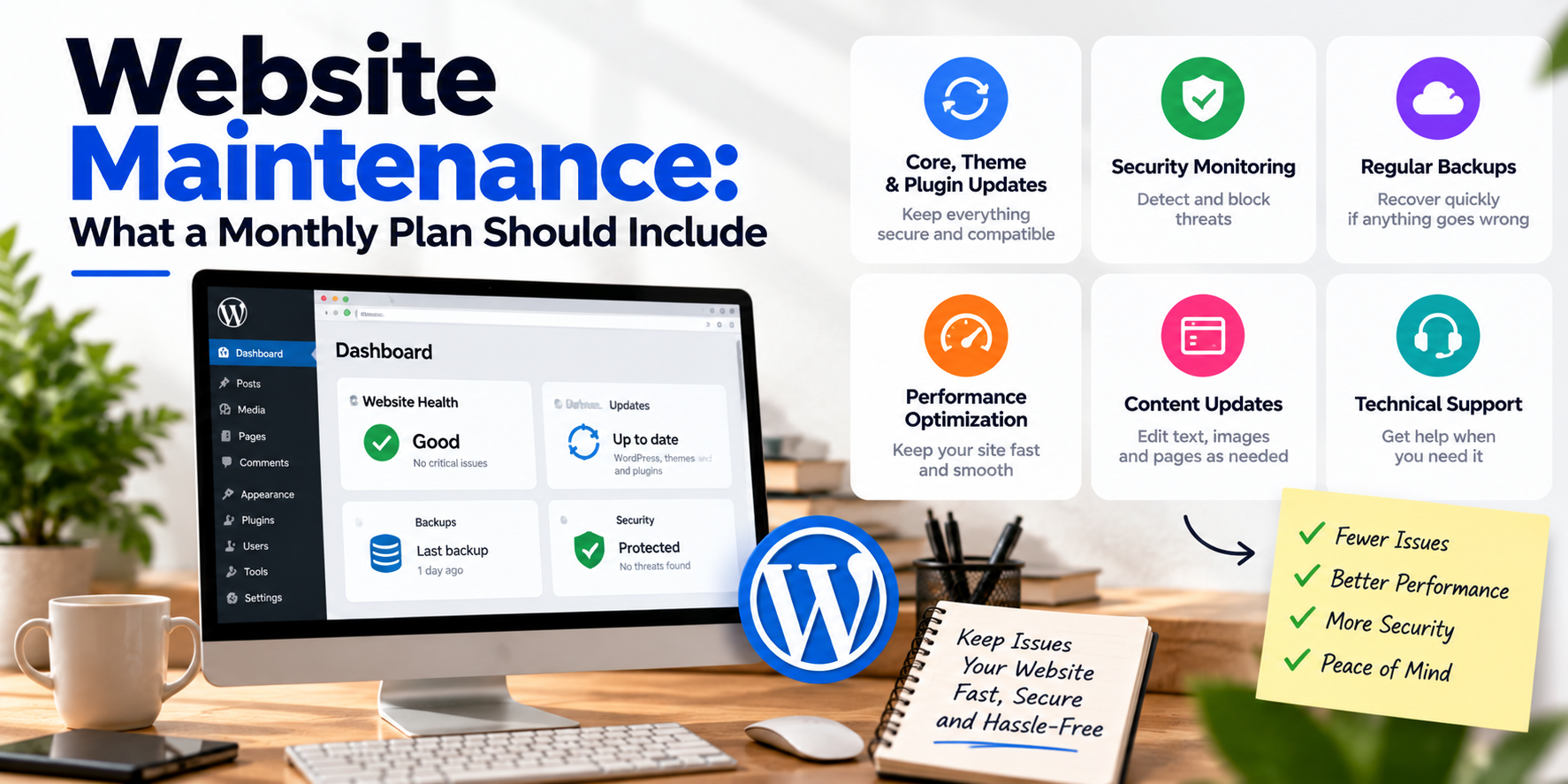
A website isn't finished when it launches. Software needs updates, security threats change, content gets stale, and things break when plugins, apps or browsers update. A maintenance plan keeps all of that handled so you can focus on your business.
But "maintenance" can mean very different things. Here's what a good monthly plan should actually include.
The Essentials
1. Updates
For WordPress: core, theme and plugin updates, tested so they don't break your site. For Laravel apps: framework and package updates. For Shopify: theme updates and checking apps after Shopify platform changes.
2. Backups
Automatic daily backups stored off-site, with tested restores. A backup you've never restored is a hope, not a plan.
3. Security monitoring
Malware scanning, login protection, firewall rules and fast response if something goes wrong.
4. Uptime monitoring
Alerts when the site goes down, so problems are fixed before customers notice.
5. Performance checks
Regular checks on speed and Core Web Vitals, especially after updates or new features.
The Valuable Extras
- Small content changes: updating text, images, prices or team members.
- Bug fixes as they come up.
- Form and tracking checks: making sure contact forms send and analytics record leads.
- SEO health checks: broken links, Search Console errors, indexing problems.
- Monthly report: what was updated, any issues found, and recommendations.
- Priority support with a clear response time.
WordPress vs Shopify vs Custom Apps
- WordPress needs the most maintenance: frequent plugin updates and security monitoring are essential.
- Shopify handles hosting, security and checkout. Maintenance focuses on theme updates, app hygiene, performance, and new sections or features.
- Laravel and custom apps need dependency updates, server maintenance and monitoring, plus ongoing feature work.
Red Flags in a Maintenance Plan
- No clear list of what's included.
- "Updates" done automatically with no testing.
- No backups, or backups stored on the same server.
- No reporting, so you don't know if anything was done.
- Locked-in contracts with no way to get your access and files back.
Do You Need a Plan?
You probably do if your website generates leads or sales, you don't have time to handle updates yourself, or you've had a site break or get hacked before. For simple Shopify stores with few changes, an on-demand arrangement may be enough.
Frequently Asked Questions
How much does website maintenance cost?
It depends on the platform, the site's size and how much change work you need each month. The best plans are scoped to your actual needs, so ask for a plan based on your site.
Can I maintain my site myself?
Yes, if you have the time and skills. Just make sure updates are tested and backups are real.
What happens if I stop maintenance?
Nothing breaks immediately, but risk grows over time: outdated plugins, security holes and compatibility issues.
Looking for reliable website maintenance? I offer monthly maintenance plans for WordPress, Shopify and Laravel sites, priced to your needs. We can discuss monthly charges on a quick call. Get in touch.
Got a project in mind?
Tell me what you need — I’ll respond within 24 hours with a realistic plan and timeline.