
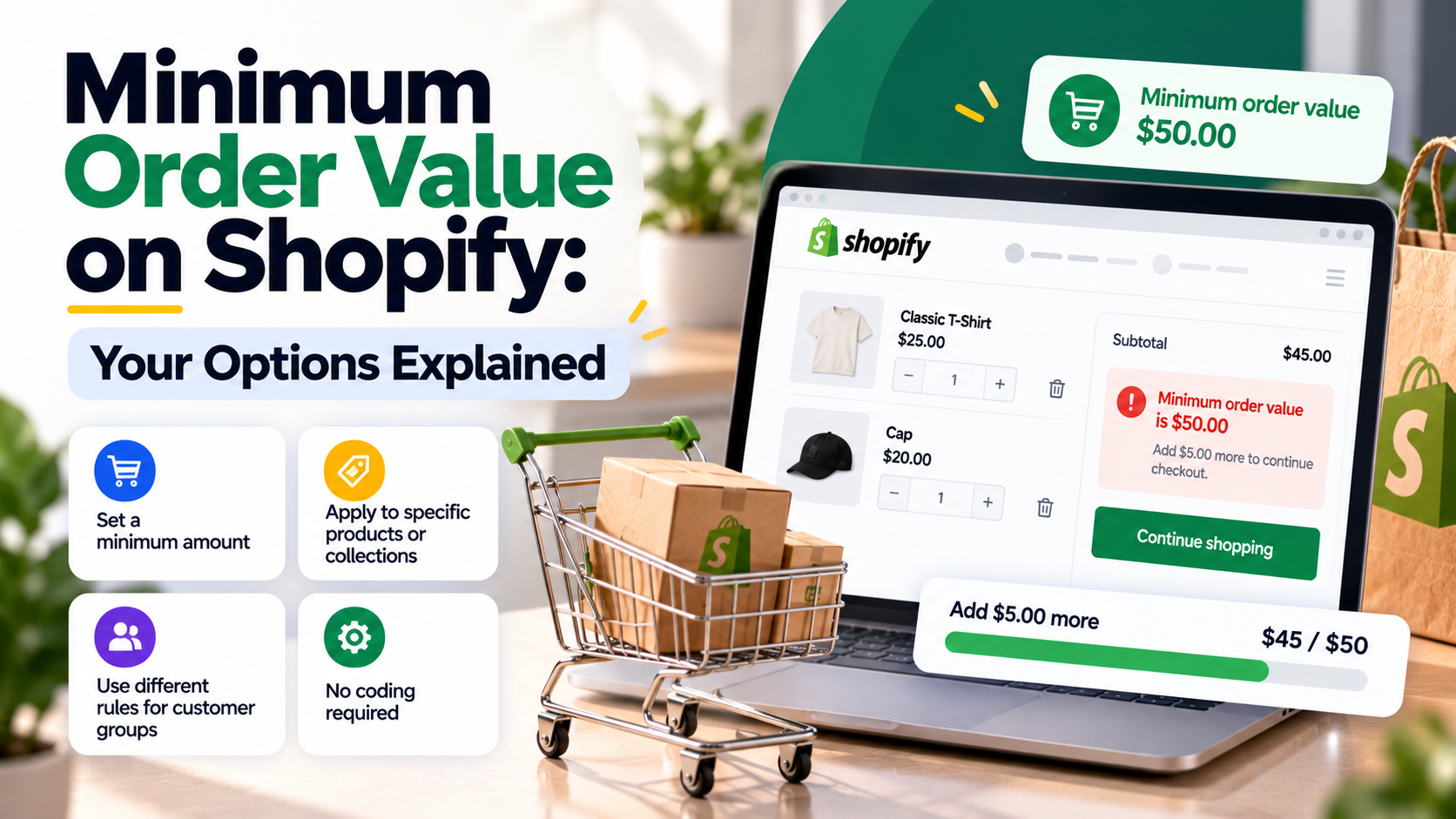
Small orders can cost you money. Picking, packing, payment fees and shipping can eat the entire margin on a $12 order. A minimum order value (MOV) fixes that, and it's also a standard requirement for wholesale customers.
Shopify doesn't have a single "minimum order" setting for every store, so here are the options and when to use each.
When a Minimum Order Value Makes Sense
- Wholesale and B2B: "Minimum order $250" is standard.
- Low-price products where shipping costs more than the item.
- Local delivery where each trip costs a fixed amount.
- Food and perishables with expensive packaging.
Option 1: Encourage, Don't Block
Before blocking small orders, consider nudging customers up instead:
- Free shipping thresholds: "Free shipping over $50". This often raises average order value without losing anyone.
- Progress bars in the cart: "You're $8 away from free shipping".
- Shipping rates by order value: charge more for small orders instead of refusing them.
For retail stores, these usually beat a hard minimum because no one is turned away.
Option 2: B2B Minimums
If you use Shopify's B2B features, you can set rules for company customers, such as minimum quantities and payment terms. This keeps wholesale rules separate from retail customers.
Option 3: Theme-Level Minimum
You can hide or disable the checkout button in the cart until the total reaches your minimum, with a message explaining why. It's easy to add, but customers can bypass it through express checkout buttons or direct checkout links. It works as a soft rule only.
Option 4: Checkout Validation (Recommended for Hard Minimums)
For a true minimum that can't be bypassed, validate at checkout using Shopify Functions. The rule checks the cart on Shopify's servers and blocks checkout if the subtotal is too low, including for express checkouts. A custom checkout function can also add more complex logic, such as different minimums per customer tag or market. For simpler cart rules and clear customer messages, our app Limitly is a quick way to start.
Tips to Keep Conversions High
- Show the minimum early: in the header bar, cart drawer and product pages, not only at checkout.
- Show how far away they are: "Add $14 more to check out".
- Suggest add-ons near the minimum: small, popular products help customers get there.
- Use different minimums by market or customer type, such as retail vs wholesale.
Frequently Asked Questions
Will a minimum order value hurt sales?
A hard minimum can reduce the number of orders, but often increases profit per order. For retail, try a free shipping threshold first.
Can I set different minimums for wholesale customers?
Yes, using B2B features, customer tags with an app, or a custom checkout function.
Does a cart-page minimum work with Shop Pay?
Not reliably. Express checkout buttons can bypass cart-page rules, so use checkout validation for strict minimums.
Set minimum order values with Limitly, or get a quote for custom wholesale and market-specific rules.
Need a Shopify store built or improved?
Tell me what you need — I’ll respond within 24 hours with a realistic plan and quote.