
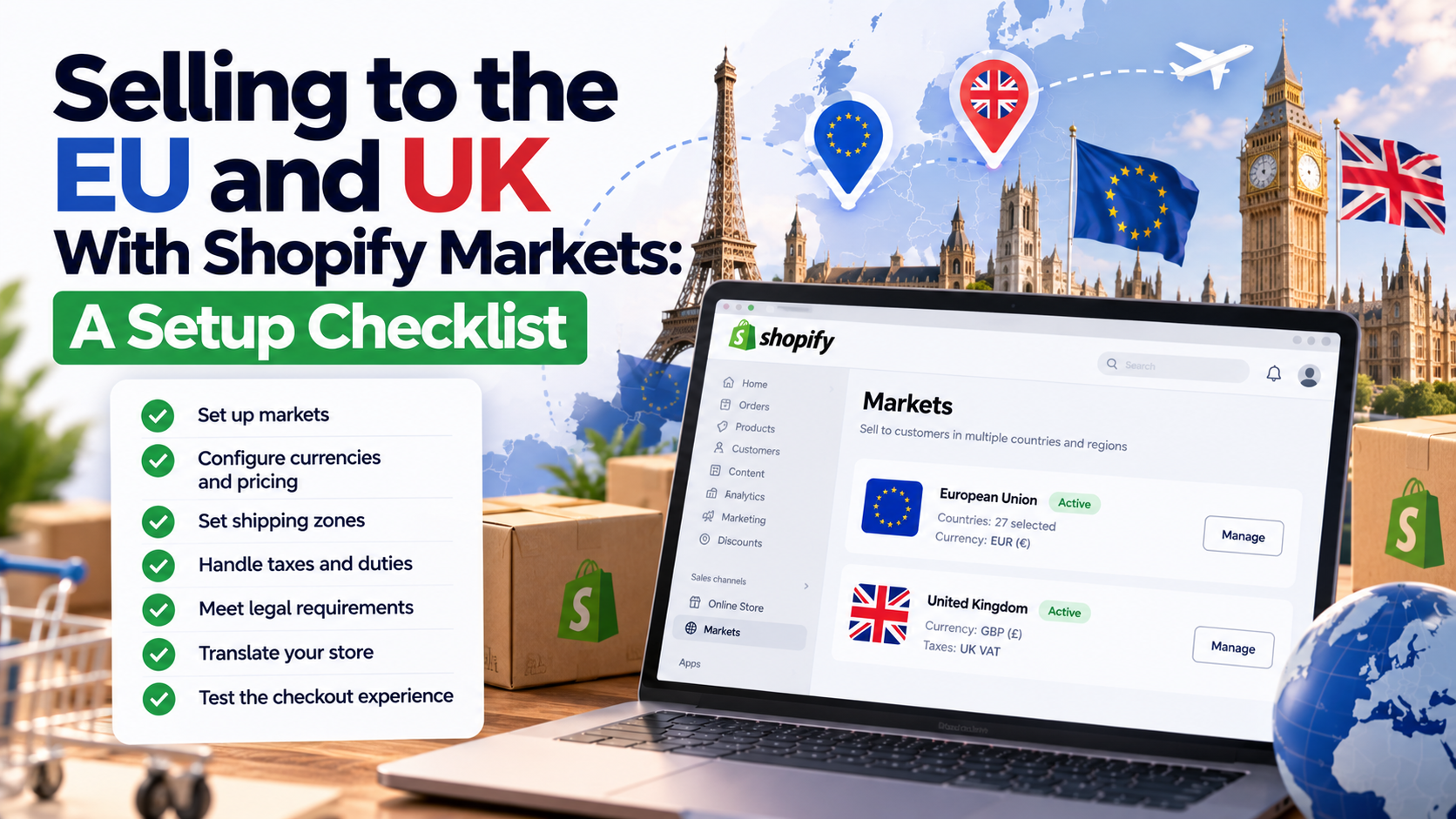
Shopify Markets lets one store sell to many countries with local currencies, languages, prices and domains. It's powerful, but it's also easy to switch on without thinking through the details, and that's where conversion and compliance problems begin.
If you're a US, Australian or UK brand expanding into Europe (or an EU brand expanding into the UK), this checklist covers the decisions that matter.
1. Plan Your Markets
- Group countries sensibly: for example, a "European Union" market, a separate "United Kingdom" market, and individual markets for your biggest countries.
- Give your top markets their own settings if pricing, language or shipping differ significantly.
- Start with the countries where you already get traffic or orders. Your analytics will show you.
2. Currency and Pricing
- Local currency: let customers pay in EUR, GBP, etc. It reduces checkout abandonment.
- Price rounding: use rounding rules so prices look natural (€49.00, not €48.73).
- Fixed prices for key products in important markets, rather than relying only on exchange rates.
- Tax-inclusive pricing: EU and UK customers expect prices to include VAT. Shopify can show VAT-inclusive prices per market.
3. VAT and Taxes
- EU: for distance sales to EU consumers, VAT generally applies at the customer's country rate once you pass the EU-wide €10,000 threshold. Many sellers register for the One-Stop Shop (OSS), or IOSS for imported low-value goods, to report EU VAT in one place.
- UK: overseas sellers shipping goods of £135 or less to UK consumers generally need to charge UK VAT at the point of sale and register with HMRC.
- Set up tax collection in Shopify for each registration you hold. Get an accountant's confirmation for your specific setup.
4. Duties and Import Taxes
Surprise duty bills on delivery are one of the biggest causes of refused parcels and bad reviews. Shopify lets you collect duties and import taxes at checkout (DDP), or use Shopify Managed Markets, which handles more of the cross-border work for you. Charging duties upfront usually improves the customer experience significantly.
5. Domains and SEO
- Use subfolders (yourstore.com/en-gb, /de, /fr) or country domains for each market.
- Shopify adds hreflang tags automatically so Google shows the right version in each country.
- Don't auto-redirect visitors by IP without giving them a choice. Use a country selector or suggestion banner instead. Forced redirects can also stop Google crawling your other markets.
6. Translations
- Translate product pages, collections, checkout, emails and policies, not just the menu.
- Use Shopify's Translate & Adapt app or a translation app, and review machine translations for your most important pages.
- Remember that EU product safety information (GPSR) needs to be in the local language.
7. Shipping and Returns
- Show realistic delivery times per market.
- Offer local returns options where possible; customers hesitate when returns mean international shipping.
- Check your returns policy meets the EU's 14-day withdrawal right for online purchases.
8. Compliance Extras for Europe
- Cookie consent set up for EU and UK rules.
- GPSR product safety information on product pages.
- Omnibus-compliant sale pricing (30-day lowest price).
- Accessibility checks under the European Accessibility Act.
- A legal notice/imprint page if you sell into countries like Germany and Austria.
Frequently Asked Questions
Do I need Shopify Plus for Markets?
No. Shopify Markets is available on standard plans, though some advanced features, like more markets or certain Managed Markets options, depend on your plan.
Should I use one store or separate stores per region?
For most brands, one store with Markets is easier to manage. Separate stores make sense when catalogs, teams or legal entities are very different.
Will Markets hurt my SEO?
Set up correctly with subfolders and hreflang, it usually helps, because you can rank in each country's Google.
This article is general information. Confirm tax and VAT obligations with an accountant.
Expanding your Shopify store to Europe or the UK? I set up Shopify Markets, pricing, translations, duties and the compliance pieces. See Shopify development services or get a free quote.
Need a Shopify store built or improved?
Tell me what you need — I’ll respond within 24 hours with a realistic plan and quote.