
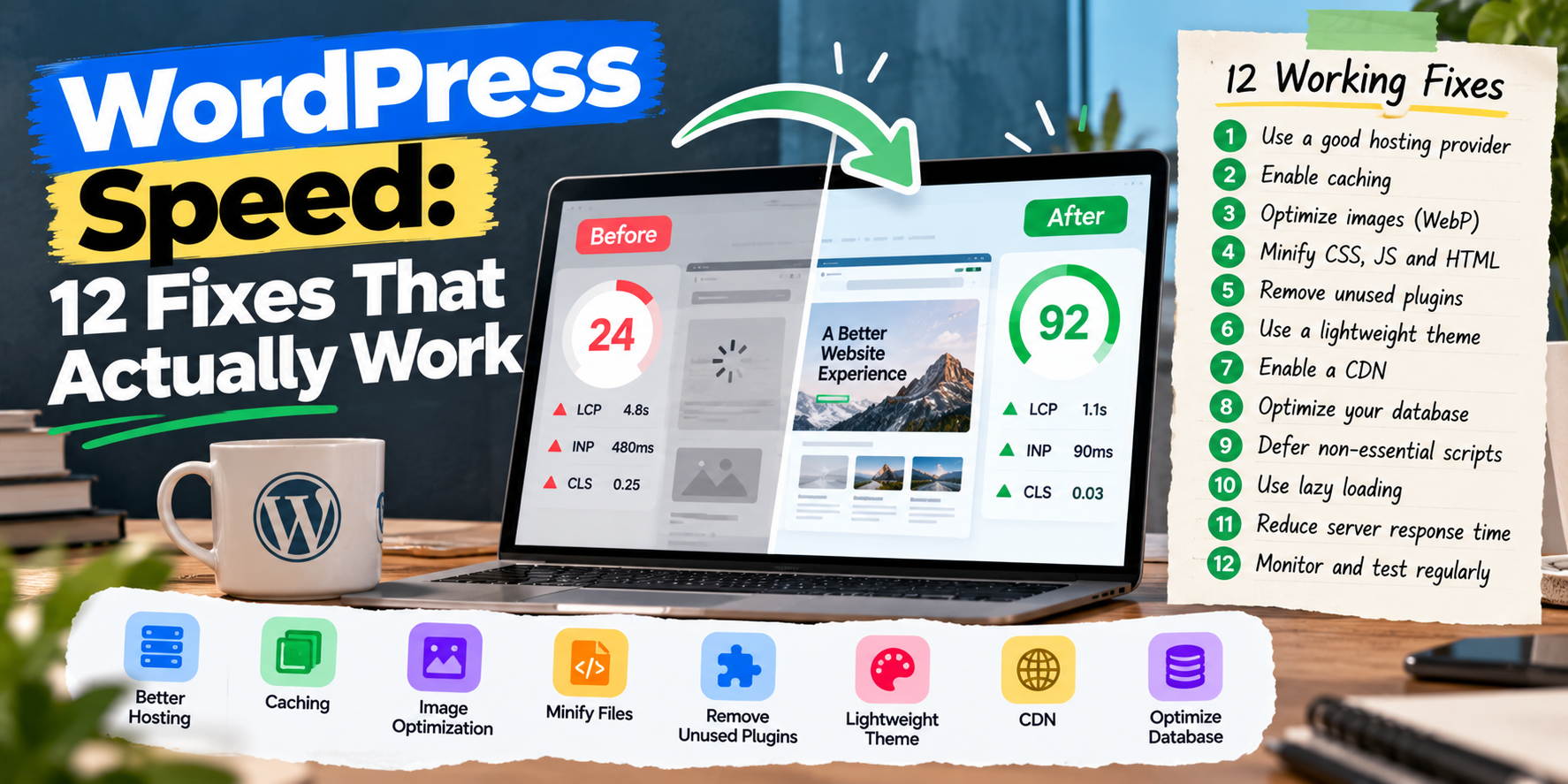
WordPress powers a huge share of the web, but many WordPress sites are slow. The usual culprits are cheap hosting, too many plugins, heavy page builders and unoptimised images. The good news: most of these problems are fixable without a rebuild.
Here are 12 fixes, roughly in order of impact.
1. Use Better Hosting
Cheap shared hosting is the most common cause of slow WordPress sites. If your server takes more than about 600 milliseconds to respond (Time to First Byte), no amount of plugin tweaking will fully fix it. Managed WordPress hosting or a good VPS often makes the biggest single difference.
2. Turn On Page Caching
Caching saves a ready-made copy of each page so WordPress doesn't rebuild it for every visitor. Use server-level caching if your host offers it, or a caching plugin such as WP Rocket, LiteSpeed Cache or W3 Total Cache.
3. Use a CDN
A content delivery network serves your images, CSS and JavaScript from servers near your visitors. Cloudflare is a common choice, and it also adds security.
4. Optimise Images
- Resize images to the size they're displayed.
- Use WebP or AVIF formats.
- Lazy-load images below the fold, but not the main hero image.
5. Remove Unused Plugins
Every plugin can add database queries, scripts and styles. Deactivate and delete plugins you don't need, and replace several small plugins with one well-built one where possible.
6. Watch Out for Heavy Page Builders
Some page builders add a lot of code to every page. If your site is built with a heavy builder, optimise its settings, or consider rebuilding key pages with the block editor or a lightweight theme.
7. Load Scripts Only Where Needed
Contact form, slider and WooCommerce scripts often load on every page even when they're used on one. A plugin like Perfmatters or a few lines of code can unload them where they aren't needed.
8. Minify and Combine Carefully
Minifying CSS and JavaScript reduces file size. Test after enabling it, because aggressive combining can break features.
9. Clean Up the Database
Old post revisions, spam comments, transients and leftover plugin tables slow down queries. Clean them regularly and limit post revisions.
10. Update PHP
Newer PHP versions are significantly faster and more secure. Make sure your host runs a currently supported PHP version, after checking plugin compatibility on a staging site.
11. Use Fewer Fonts and External Scripts
Each font weight, chat widget, analytics tag and embedded video adds requests. Host fonts locally, limit weights, and load third-party scripts after the main content.
12. Monitor Core Web Vitals
Check Google Search Console's Core Web Vitals report regularly. Targets: LCP under 2.5 seconds, INP under 200 milliseconds and CLS under 0.1.
Frequently Asked Questions
How fast should a WordPress site load?
Aim for the main content to appear within 2.5 seconds on mobile for most visitors.
Do I need a caching plugin if my host has caching?
Often not. Running two caching layers can cause conflicts. Use what your host recommends.
Is WordPress slower than other platforms?
Not inherently. A well-built WordPress site on good hosting can be very fast.
Want your WordPress site faster without breaking it? I optimise hosting, caching, plugins and Core Web Vitals. WordPress development services or get a free quote.
Got a project in mind?
Tell me what you need — I’ll respond within 24 hours with a realistic plan and timeline.