
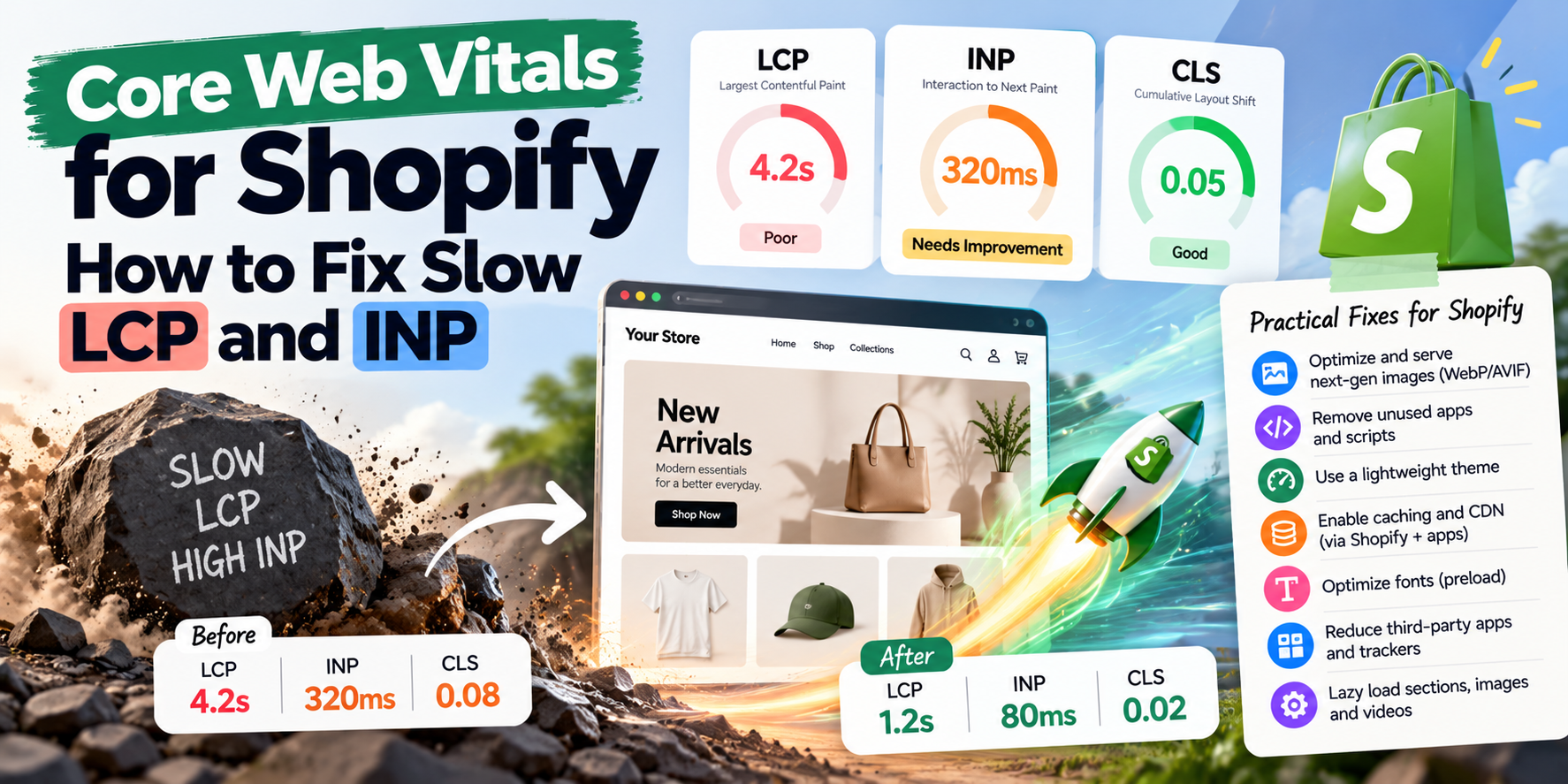
A slow store loses customers. Every extra second of loading time increases the chance a mobile visitor gives up, and Google uses page experience signals, including Core Web Vitals, when ranking pages.
If your Shopify store fails Core Web Vitals in Search Console or PageSpeed Insights, this guide explains what the metrics mean and how to fix them.
The Three Core Web Vitals
- LCP (Largest Contentful Paint): how long it takes for the main content (usually the hero image or product image) to appear. Good: 2.5 seconds or less.
- INP (Interaction to Next Paint): how quickly the page responds when someone taps or clicks, like opening the menu or choosing a variant. Good: 200 milliseconds or less.
- CLS (Cumulative Layout Shift): how much the page jumps around while loading. Good: 0.1 or less.
Google measures these from real visitors (field data), and a page passes if at least 75% of visits meet the "good" thresholds.
Fixing Slow LCP on Shopify
- Optimise the hero image: use Shopify's image_url filter with appropriate widths and modern formats, and serve smaller images to mobile.
- Don't lazy-load the main image: the hero or first product image should load immediately, ideally with
fetchpriority="high". - Avoid sliders at the top of the page: autoplay carousels often delay the main image and add heavy JavaScript.
- Reduce render-blocking scripts: move non-essential scripts to load later.
- Limit custom fonts: use fewer font weights and
font-display: swap.
Fixing Poor INP
INP is usually caused by too much JavaScript running in the browser, often from apps.
- Audit your apps: each app can add scripts to every page. Remove apps you don't use, and check for leftover code from uninstalled apps.
- Delay non-critical scripts like chat widgets, review carousels and popups until after the page is interactive or the user scrolls.
- Simplify heavy theme features: complex mega menus, animated effects and quick-view modals.
- Check tracking scripts: multiple pixels and tag managers add up. Use Shopify's Customer Events where possible.
Fixing CLS
- Set image dimensions so the browser reserves space before images load.
- Reserve space for banners like announcement bars, cookie banners and app widgets that appear after load.
- Avoid injecting content above existing content, such as review stars or badges that push the page down.
- Preload fonts to avoid text jumping when fonts swap.
How to Measure
- Google Search Console, Core Web Vitals report: real-user data grouped by page type.
- PageSpeed Insights: test individual pages and see field and lab data.
- Shopify's Web Performance dashboard in admin: real-user metrics over time.
Test your home page, a collection page and a product page, since each uses a different template.
Frequently Asked Questions
Why is my Shopify speed score low even though the store feels fast?
Lab scores simulate a slow phone and network. Focus on field data from real visitors in Search Console.
Do apps really slow down Shopify stores?
Often, yes. App scripts are one of the most common causes of poor INP and LCP.
Will a new theme fix speed problems?
A modern theme helps, but adding the same apps and scripts can bring the problems back.
Read more: why your Shopify store is slow. Want your Core Web Vitals fixed? Get a speed audit quote.
Got a project in mind?
Tell me what you need — I’ll respond within 24 hours with a realistic plan and timeline.