
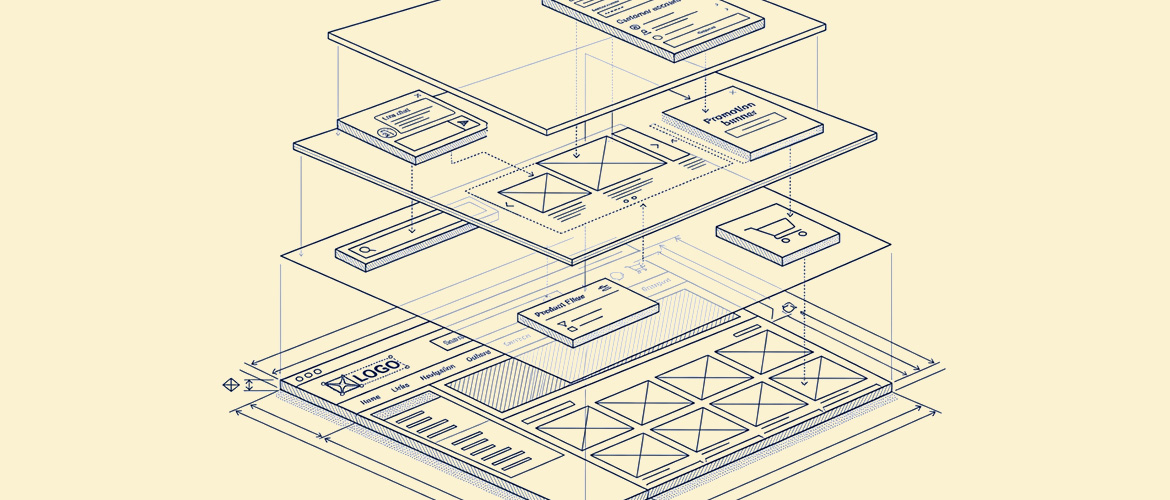
Merchants are often surprised to learn that most modern Shopify apps never actually edit their theme's code. You install an app, drag a new block into your theme editor, and a feature appears — a countdown timer, a review widget, a custom rules popup — without anyone opening a single Liquid file. That's the theme app extension system at work, and understanding how it functions explains a lot about why some apps feel solid and others feel fragile.
The Old Way: Direct Code Injection
Before extensions existed, apps that needed to add storefront elements often did so by injecting code directly into your theme files, or by adding script tags that ran on every page. This worked, but it created two problems: theme updates could silently break an app's functionality, and uninstalling an app didn't always cleanly remove what it had added.
How Extensions Work Instead
- The app registers a block. Instead of writing into your theme, the app defines a self-contained block — its own piece of UI with its own settings — that Shopify makes available inside your theme editor.
- You place the block where you want it. In the theme customizer, the app's block shows up alongside your theme's native sections, and you drag it into a product page, the cart, or wherever it's designed to live.
- The block renders independently. Shopify handles displaying the app's block without it needing to touch your theme.liquid files directly, which means a theme update doesn't break the app's code, and an app uninstall cleanly removes its block.
- Settings stay in the app's own data, not your theme. Configuration for the block — colors, text, behavior — typically lives in the app's own settings, separate from your theme settings file.
Why This Matters If You're Evaluating an App
An app built on theme extensions is generally safer to install and remove than one that injects code directly, because it doesn't modify your theme's actual files. If you're not sure which approach an app uses, a quick way to check is whether the app's features show up as draggable blocks inside your theme editor — that's the extension system in action — versus features that only appear after you manually paste a code snippet somewhere.
Where Extensions Have Limits
Theme extensions are excellent for storefront-facing features but they don't reach into checkout — that's a separate system (Shopify Functions and checkout UI extensions, available on Plus). They also can't fundamentally restructure a theme's layout; they add to it, rather than replacing core sections.
Key Takeaways
- Theme app extensions let apps add storefront blocks without editing your theme's code directly
- Features appear as draggable blocks inside the theme customizer, not as pasted snippets
- Uninstalling an extension-based app cleanly removes its blocks
- Checkout-level changes are a separate system and require Shopify Plus
Alfa Dev builds Shopify apps — including Limitly — using theme app extensions so storefront features stay clean to install, configure, and remove. Reach out if you're scoping a custom app build.
Ready to redesign?
Free 20-min consultation. Custom WordPress redesigns $750–$1,500. Training included. 7–14 day delivery.