
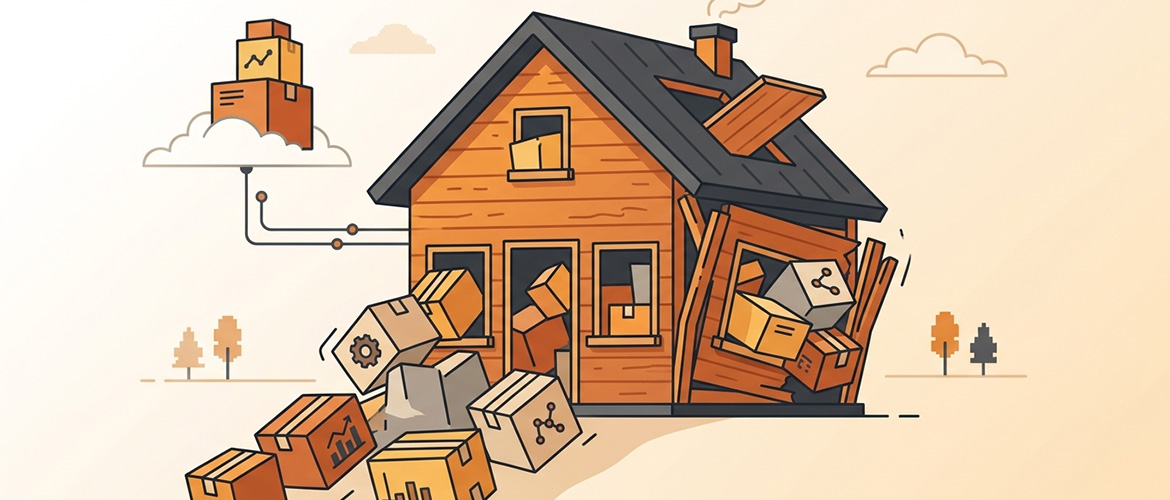
WordPress is a great starting point for most businesses — but plenty of sites that started as a simple blog or brochure site eventually grow into something WordPress was never designed to handle. If any of the following sound familiar, it might be time to consider a custom rebuild.
1. You Have More Plugins Than You Can Name
Every plugin is a piece of code you didn't write, maintained by someone else, that can break with any WordPress core update. Once a site is running 25-plus active plugins just to function, plugin conflicts, security patches, and update testing start consuming more time than actual content work.
2. Page Speed Keeps Getting Worse
Each plugin adds its own scripts, styles, and database queries. Caching plugins can mask the problem for a while, but eventually load times creep up regardless of hosting upgrades — a sign the underlying architecture, not the server, is the bottleneck.
3. You're Forcing Business Logic Into Content Fields
If your team is using custom fields, shortcodes, and page builder workarounds to simulate functionality that isn't really "content" — booking logic, user permissions, multi-step workflows — that's usually a sign the site needs an actual application layer, not more plugins.
4. Every Update Feels Risky
If updating WordPress core, your theme, or a key plugin requires a full staging-site test because something always breaks, your plugin stack has likely become too interdependent and fragile for confident maintenance.
5. You Need Custom User Roles or Permissions
WordPress's role system is built for content publishing, not for things like customer portals with different access levels, partner dashboards, or multi-tenant logic. Bending it to do this usually requires a permissions plugin stacked on top of another permissions plugin.
6. Your Hosting Costs Keep Climbing
If you're repeatedly upgrading hosting tiers just to keep a plugin-heavy site responsive, the cost of scaling WordPress horizontally can eventually exceed the cost of a leaner, purpose-built application.
7. Your Developer Says "We'd Need a Plugin for That" More Than "We Can Build That"
This is the clearest signal. If most feature requests get answered with "there's a plugin that might do something close to that" rather than a direct build, the platform has become the limiting factor in your roadmap, not your budget or team.
What the Migration Path Usually Looks Like
A full rebuild doesn't have to happen all at once. A common approach is keeping WordPress for content and marketing pages — where it genuinely excels — while moving the functional, logic-heavy parts of the business to a custom Laravel application, connected through APIs or a shared subdomain structure. URLs and content can typically be preserved during the transition to protect existing SEO rankings.
FAQ
Will I lose my SEO rankings if I migrate off WordPress?
Not if the migration is planned properly — preserving URL structure, redirects, and metadata is standard practice in a well-executed platform migration.
Do I have to migrate everything at once?
No. Most businesses migrate the functional, logic-heavy parts of their site first while keeping WordPress for blog and marketing content, then expand the custom application over time.
How do I know if it's a hosting problem or a platform problem?
If upgrading hosting tiers only produces a temporary speed improvement before performance degrades again, the issue is almost always architectural rather than a hosting limitation.
Alfa Dev has migrated client sites from WordPress to custom Laravel and plain PHP applications with clean URL routing preserved. Get in touch for an honest assessment of whether your site has outgrown WordPress.
Ready to redesign?
Free 20-min consultation. Custom WordPress redesigns $750–$1,500. Training included. 7–14 day delivery.