
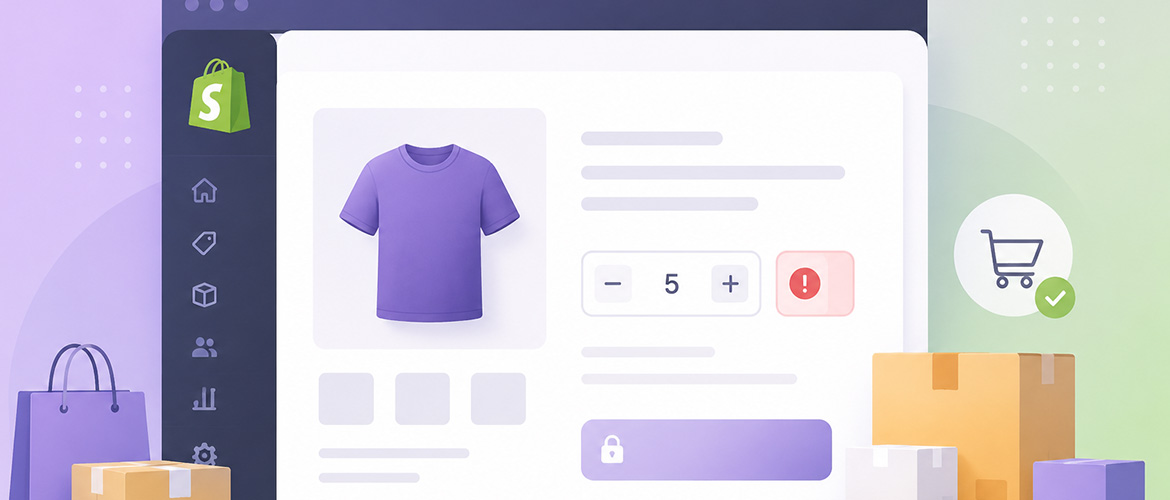
If you sell limited-edition drops, wholesale products, or anything with a minimum order quantity, you've probably run into a problem Shopify doesn't solve out of the box: controlling exactly how much a customer can buy. Shopify order limits let you set a minimum, maximum, or step-based quantity rule per product, collection, or customer tag — and getting them right is the difference between protecting your inventory and frustrating real buyers.
Why Order Limits Matter
Without quantity rules, three things tend to happen: resellers buy out limited stock in minutes, wholesale customers accidentally order below your MOQ and you lose margin fulfilling small orders, and bundle deals get broken when someone buys an odd quantity that doesn't match your packaging. Order limits fix all three by enforcing rules at checkout instead of after the fact.
Common Order Limit Use Cases
- Minimum order quantity (MOQ): Require wholesale buyers to order at least a set number of units before checkout is allowed.
- Maximum purchase limit: Cap how many units of a hyped or limited product one customer can buy, preventing bots and resellers from clearing your stock.
- Quantity increments: Force purchases in multiples of a case size (e.g., only allow orders of 6, 12, 18 units).
- Customer-tag based limits: Give VIP or wholesale customers different limits than retail shoppers.
- Collection-wide rules: Apply one limit across an entire product line instead of editing each product individually.
Native Shopify vs. Apps for Order Limits
Shopify Plus merchants can technically build quantity rules using Shopify Functions, but that requires custom development and ongoing maintenance. For everyone else — and for merchants who want rules live in minutes rather than weeks — a dedicated order limits app is the practical route. The key things to look for in an app are conditional logic (rules that only apply to certain products, tags, or times), clear customer-facing messaging when a limit is hit, and an analytics view so you can see which limits are actually preventing abuse.
Best Practices for Setting Limits
- Start with the products most at risk of bulk-buy abuse or stockouts, not your entire catalog.
- Write a clear, friendly message explaining why the limit exists ("Limited to 3 per customer so more fans can grab one").
- Test your checkout flow as a customer after setting any rule — broken quantity logic is one of the fastest ways to lose a sale.
- Review your limit analytics monthly. If a rule is never triggered, it's not doing anything useful and may be adding friction for no reason.
FAQ
Can I set different order limits for different customer groups?
Yes — most order limit apps, including Limitly, let you target rules by customer tag, so wholesale accounts can have a minimum order quantity while retail customers see a maximum purchase cap.
Do order limits slow down checkout?
A well-built rules engine checks limits client-side or at cart level, so there's no noticeable delay. The goal is to stop an invalid order before payment, not after.
Will order limits hurt my conversion rate?
Used sparingly and explained clearly, they don't. Limits that are invisible until needed, with a clear reason shown to the shopper, are far less likely to cause cart abandonment than unexplained stock issues.
If you're setting up order limits on Shopify, Limitly handles minimums, maximums, quantity increments, and tag-based rules through a simple IF/THEN rule builder — no Liquid or Functions code required. Get in touch if you'd rather have it configured for you.
Ready to redesign?
Free 20-min consultation. Custom WordPress redesigns $750–$1,500. Training included. 7–14 day delivery.